Text from anywhere
Your Mac already has your iMessages and texts. On a work computer, open them in the browser and answer from there. They stay on your Mac.
 Teleroam
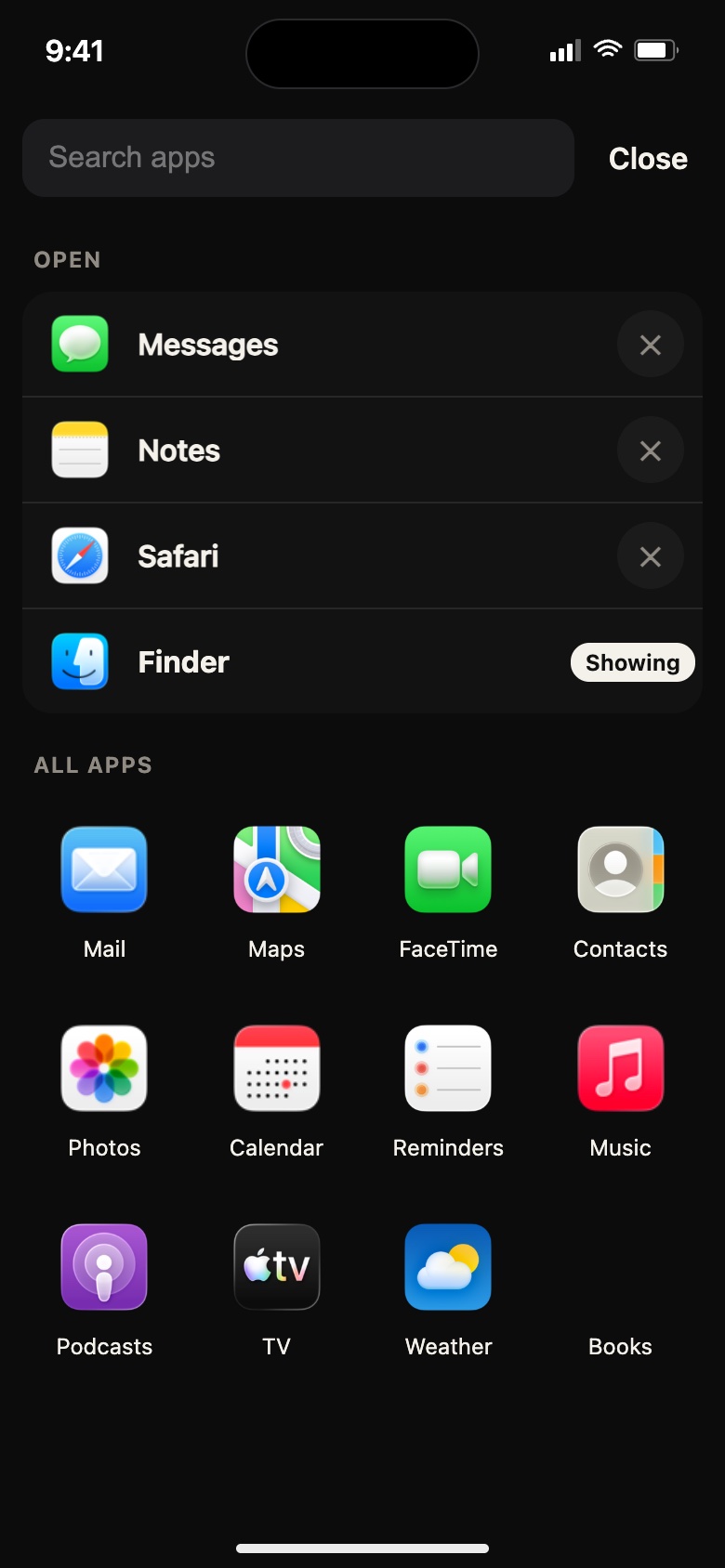
 puts the Mac you left at home on your iPhone, or in a browser on any computer. Grab a file, check your own accounts, use your home network, and answer a text from a work computer, all from your actual Mac.
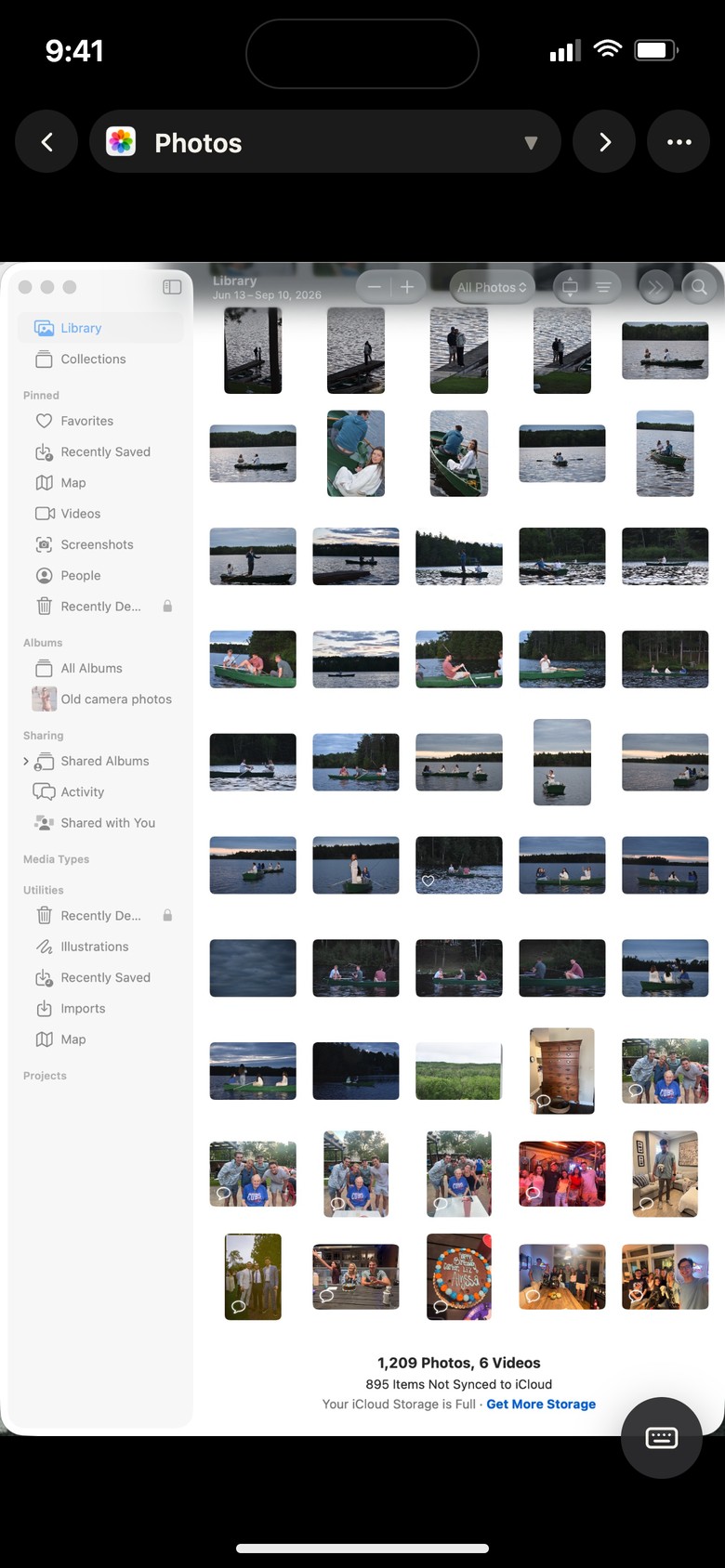
It isn't a stripped-down copy in the cloud. It's your own Mac, signed in and set up the way you left it. More is on the use cases page.
Your Mac already has your iMessages and texts. On a work computer, open them in the browser and answer from there. They stay on your Mac.
The document in your home folder, the photo you didn't sync, the project you were halfway through. Open it right where it is, or copy it in Finder and download it to your phone. Send files the other way and they land in Downloads.
Copy on the Mac and it's on your iPhone's clipboard. Paste from your phone or a work computer and it goes straight into the Mac.
Email, notes, banking, your password manager. They're already signed in on your Mac, so you never have to log in on someone else's computer.
Your Mac is on your home Wi-Fi, so you can reach the printer, the file server, the router page, or the cameras that only work at home.
A work PC, a library computer, a hotel lobby. Open a browser page. Nothing gets installed, and nothing stays behind when you close it.
Personal things stay on your Mac instead of spreading across a work laptop. Close the tab and it's gone from that machine.
The app you're using is shown big, with the keys a phone keyboard doesn't have one tap away.
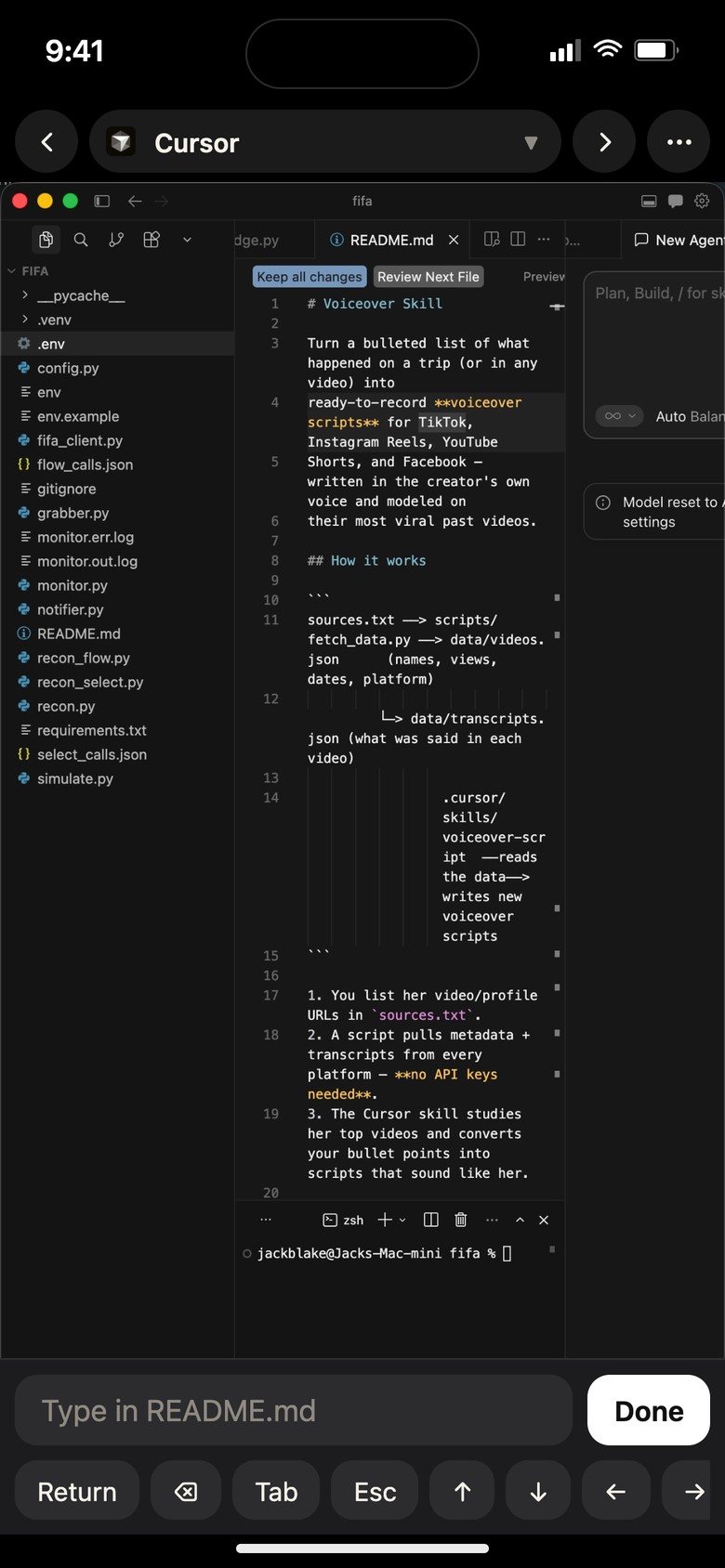
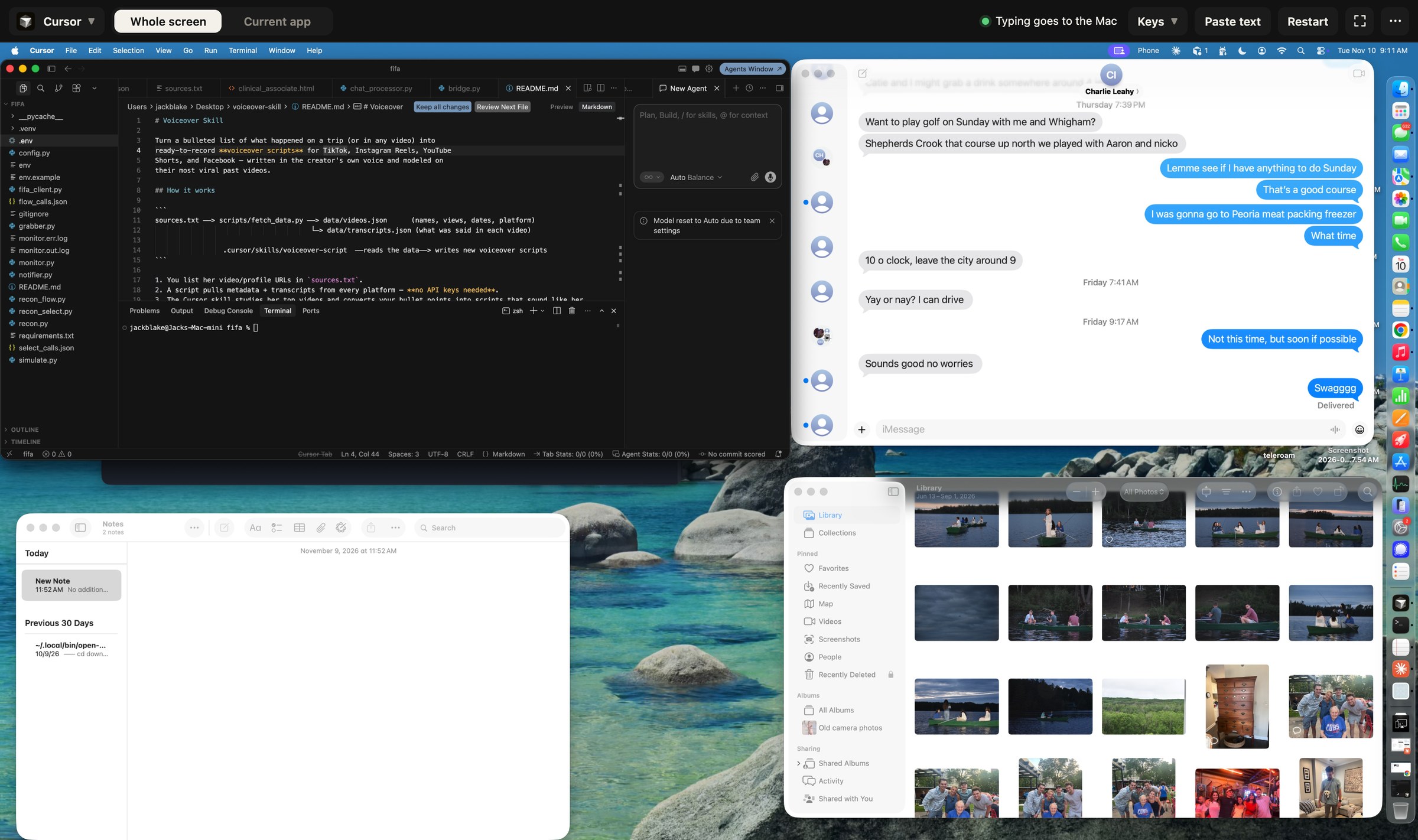
On another computer, the whole desktop in a browser tab, with your keyboard and mouse
The Mac stays where it is. You go to it.
A small menu-bar app. It asks for two permissions and then shows a QR code and a link. The setup guide covers the settings that keep the Mac reachable.
Add it to your Home Screen and it opens like an app. It works from home, cellular, a hotel, anywhere, without a VPN.
On a work PC, open your Teleroam link and type the code shown on your phone. Your phone asks you to allow it. Nothing gets in without that.
The Mac should never be in use without you knowing. More on the security page.
The Mac's menu bar shows how many devices are connected, and the Teleroam window lists each one: which device, from home or away, for how long.
A new device can't get in until you tap Allow on your phone. Every device checks in again every 24 hours: yours with Face ID, anyone else's by asking you.
Disconnect a device from the Mac or your phone, or remove it for good. Removed devices have to be let in all over again.
Free at home. Pro is for reaching the Mac when you're away. During early access everything is free, including away-from-home use; this is the plan for later.
$0
Same Wi-Fi as the Mac. Screen, pointer, and keyboard.
$2.99 / month
Or $19.99 a year. Use it from cellular, the office, a hotel, or a library.
A 7-day trial starts the first time you connect from outside your home network.
$49
Pay once. Same as Pro, for as long as Teleroam runs.